
Every streaming service runs into problems sooner or later. A channel stops loading, a login fails, an app won’t install, or you simply need to ask a question before you pay. When that happens, the speed and quality of support decide whether you fix the issue in ten minutes or lose a whole weekend of viewing.
This guide explains how to contact Xtreme HD IPTV support, which method to use for which problem, what information to include so you get a useful answer the first time, and what to do if you don’t hear back quickly. It also covers how to avoid fake support contacts, which are a real risk in the IPTV market.
Ways to Contact Xtreme HD IPTV Support
Xtreme HD IPTV lists 24/7 support on its plan page, and there are several ways to reach the team.
1. Email
Email is the best option for most problems, because it leaves a written record you can refer back to later.
Support email: [email protected]
Use email when you have a billing question, need to ask about a refund or trial, want to confirm what a plan includes, or have a problem that needs screenshots or several steps to explain. Written answers also protect you if there is ever a disagreement about what was promised.
2. The Contact Form on the Website
The website has a “Send Us a Message” form, which appears in the sidebar of blog pages and on the Contact Us page. The form asks for:
- Your name
- Your email address
- Your phone number
- Your message
- The answer to a simple maths question, which blocks spam bots
The form is convenient because you don’t need to open your email app. The most common mistake is typing the email address wrongly, which means the reply goes nowhere. Check it before pressing send. Also check your spam or junk folder, because replies from a new sender sometimes land there.
3. WhatsApp Chat
The website shows a green WhatsApp button in the corner of the page. If you see it, tapping it opens a chat, which is useful for quick questions such as “Which device is best for my TV?” or “Can you help me install the app?” Chat is convenient for short back-and-forth questions, but for anything involving money, send a follow-up email as well, so you have a record.
Which Contact Method Should You Use?
| Your situation | Best method | Why |
| Question before buying | Contact form or email | Gets written answers about channels, devices and terms |
| Billing, refund or cancellation | Creates a record you can keep | |
| Stream not working right now | WhatsApp chat, then email details | Faster back-and-forth for live problems |
| Login or account problem | Email with account details | Safer than sharing details in a public place |
| App will not install | Email with screenshots | Screenshots help support diagnose quickly |
| Complaint or dispute | Written evidence matters |
What to Include in Your Message
The biggest reason support conversations drag on is missing information. If the first message contains everything, the support team can often solve the problem in one reply instead of five. Include these details:
- Your name and the email used to subscribe. This lets support find your account.
- Your plan and billing term. For example, “Two Devices, 3 months.”
- The date you paid, plus a receipt or transaction ID. Never send full card numbers or passwords.
- Your device. Say “Amazon Firestick 4K,” “Samsung smart TV” or “iPhone 14,” not just “my TV.”
- The app and version you use. Check the app’s settings or about page.
- A clear description of the problem. What happens, and what do you see on screen?
- When it started and how often it happens. “Every evening around 8 pm” is more useful than “sometimes.”
- What you have already tried. Restarting the router, reinstalling the app and so on.
- Screenshots or a phone photo of any error message. A picture often saves several rounds of questions.
What Response Time Should You Expect?
Xtreme HD IPTV lists 24/7 support, but it does not publish a guaranteed reply time, so be wary of any article that promises “replies in 5 minutes.” In practice, response speed depends on several things:
- The channel you use. Chat is usually faster than email, and email is usually faster than a form.
- How complete your message is. A message missing key details forces a back-and-forth that adds hours.
- The time and the day. Busy periods, such as major sports events, bring more messages.
- The type of problem. A simple question is answered faster than something needing investigation.
- Whether your message actually arrived. Wrong email addresses and spam filters cause many “no reply” complaints.
A Fair Way to Judge Support
If you are still deciding whether to buy, test support first. Send one real question, for example: “Which device do you recommend for 4K on the Two Devices plan?” Then see how quickly and clearly they respond. A helpful, specific answer is a good sign. A vague reply, or no reply at all, tells you something worth knowing before you spend money.
How to Get a Faster Reply
- Send one complete message instead of several short ones. Multiple messages can split the conversation.
- Use a clear subject line. “Firestick freezing, Two Devices plan, paid 5 Nov” is better than “Help.”
- Attach screenshots. Do this in the first message.
- Stay polite and specific. Support teams respond best to clear, calm descriptions.
- Keep everything in one thread. Reply to the same email chain instead of starting new ones.
- Don’t send the same message through every channel. Duplicates create confusion and can slow things down.
- Wait a reasonable time before following up. If you have heard nothing after a day, send a short polite follow-up in the same thread.
Try These Quick Fixes Before You Contact Support
Many problems can be solved in a few minutes at home. Trying these first can save you waiting for a reply, and the information also helps support if you do need to write.
- Restart the app and the device. This clears temporary glitches.
- Restart your router. Unplug it for 30 seconds, then plug it back in.
- Test another app on the same device. If YouTube or Netflix also buffers, the problem is your internet, not the IPTV service.
- Use an ethernet cable. A wired connection is more stable than Wi-Fi.
- Check your internet speed. Aim for about 15 Mbps per HD stream and 25 Mbps per 4K stream.
- Update the app. Old versions can cause errors.
- Check your login details. Look for typos, extra spaces or the wrong server details.
For step-by-step help with specific problems, see our guides on troubleshooting Xtreme HD IPTV, fixing buffering, checking whether the service is down, login problems and APK installation errors.
Common Reasons to Contact Support
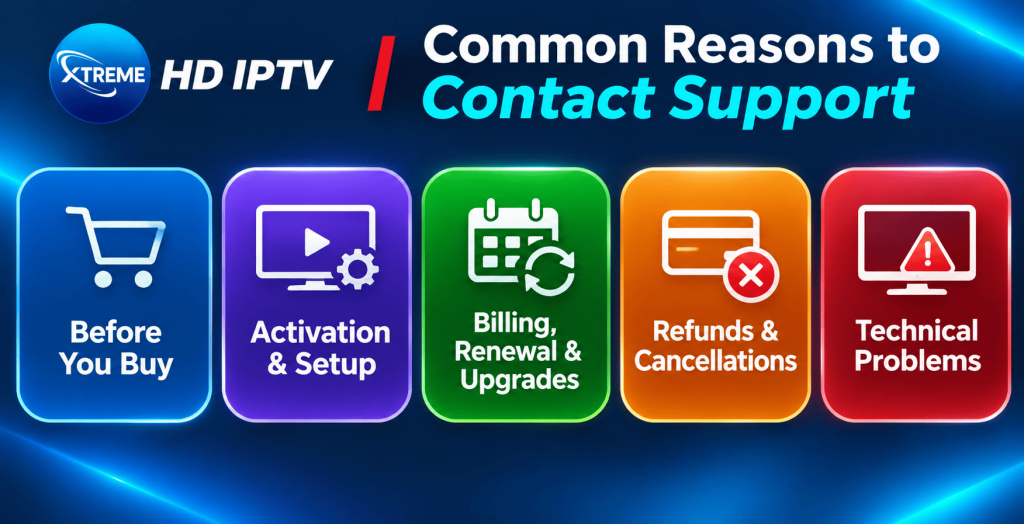
Before You Buy
Ask about the things that matter to you: whether your favorite channels are included, which devices work with your plan, whether a trial or refund is offered, and what the lifetime option actually covers. Save the answers. Our plans and pricing guide shows the current plans so you know what to ask about.
Activation and Setup
If you have paid but cannot sign in, give support your payment date and the email you used. Check your spam folder first, because account details are often sent by email. Our Firestick setup guide covers the common setup steps.
Billing, Renewal and Upgrades
For questions about renewing, switching to a bigger plan or adding a device, email support with your current plan and the change you want. Ask them to confirm the new price and start date in writing. Our guide to managing your account, devices and subscriptions explains the basics.
Refunds and Cancellations
If you want a refund or want to cancel, email support as early as possible, include your payment details, and ask them to confirm the policy that applies. Keep every message. Our guide to consumer rights and refund policies for IPTV users explains what to think about.
Technical Problems
Buffering, freezing, black screens, missing channels or app crashes all belong here. Always mention your device, your internet speed and what you have tried.
Beware of Fake Support Contacts
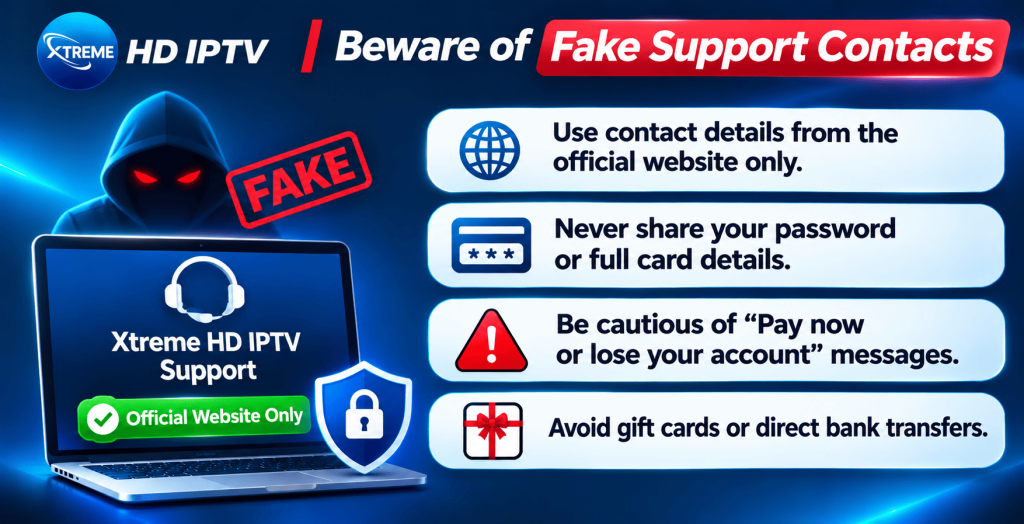
Scammers often copy popular brand names and pretend to offer support. Xtreme HD IPTV’s own site warns that other sites using its name are fake. Protect yourself with these rules:
- Use contact details only from the official website. Don’t trust a phone number or email from a random social media comment, forum post or search ad.
- Never share your password or full card details. Genuine support does not need them.
- Be suspicious of urgent demands. “Pay now or lose your account” is a classic scam line.
- Avoid payment methods that cannot be reversed. Gift cards and direct bank transfers to strangers leave you without protection.
- Check the domain. Make sure the address matches the official website exactly, with no extra words or swapped letters.
- Keep a record. Save emails, receipts and screenshots.
For more detail, read our guide on spotting real and fake IPTV websites and our article asking is Xtreme HD IPTV legit.
If You Still Don’t Get a Reply
- Check that your message was sent. Look in your sent folder or look for the form’s confirmation message.
- Check your spam folder. Replies sometimes land there.
- Check the email address you entered. One wrong letter means the answer is lost.
- Send a short follow-up in the same thread. Be polite and restate the problem in two sentences.
- Try a second channel. If email has been silent, use the contact form or chat, and mention that you also emailed.
- Protect your payment. If you paid and truly cannot reach anyone, contact your bank or payment provider about their dispute process. Keep your receipts and messages as evidence.
Tips for a Smooth Support Experience
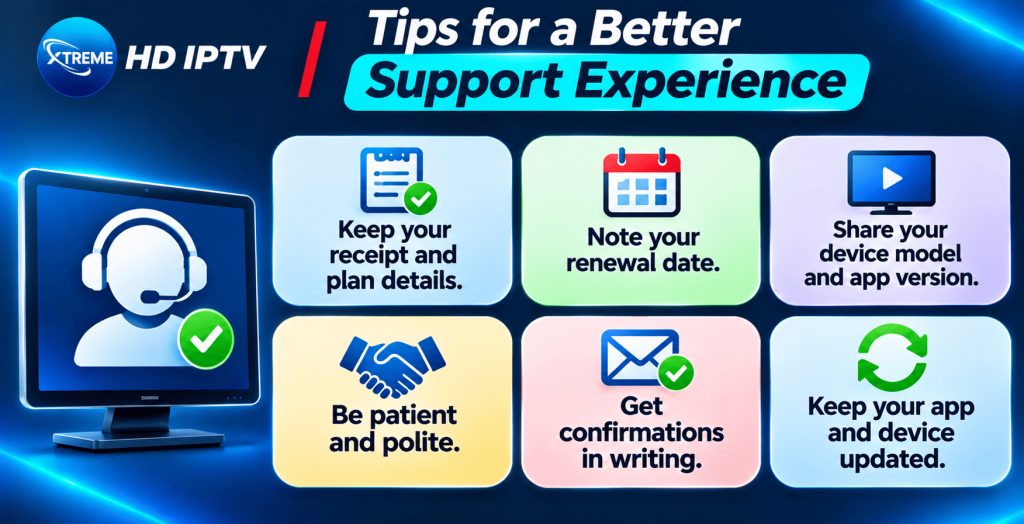
- Keep your receipt, plan details and login information in one safe place.
- Note your plan’s renewal date so billing questions are easy to settle.
- Write down your device model and app version.
- Be patient and polite. A clear, friendly message gets a better result than an angry one.
- Ask for confirmations in writing when money or plan terms are involved.
- Update your app and device software regularly to avoid avoidable problems.
Final Thoughts
Good support makes the difference between a service you enjoy and one that frustrates you. To get the best result from Xtreme HD IPTV support, choose the right channel for your problem, send one complete message with all the details, and keep a record of everything. Try the quick fixes first, because many issues come down to your router, Wi-Fi or app version. Use only the contact details on the official website to avoid fake support.
See current plans and pricing →
Xtreme HD IPTV Support FAQs
How do I contact Xtreme HD IPTV support?
Use the contact form on the website, email [email protected], or use the WhatsApp chat button if it appears on the site.
Is Xtreme HD IPTV support available 24/7?
The plan page lists 24/7 support. Reply speed can vary, so include full details in your first message.
What information should I include in my message?
Your name, the email used to subscribe, your plan, payment date, device, app version, a clear description of the problem and any screenshots.
I submitted the contact form but got no reply. What now?
Check your spam folder, confirm you typed your email correctly, then send a short follow-up by email or chat.
Can I ask questions before I subscribe?
Yes. Use the form or email to ask about channels, devices and plan terms, and keep the answers in writing.
How do I ask for a refund or cancellation?
Email support with your payment details and ask them to confirm the policy that applies. Keep all messages.
Should I share my password with support?
No. Genuine support doesn’t need your password or full card details.
How do I know a support contact is genuine?
Use only the contact details shown on the official Xtreme HD IPTV website, and be cautious of numbers or emails from social media comments or ads.
What if my stream is buffering?
Restart the app and router, try ethernet, and test another app to check your internet. See our buffering fix guide. If it continues, contact support with your device and speed details.
Where can I find more answers?
Read our frequently asked questions about Xtreme HD IPTV.
Setting up IPTV on your Firestick or Android device opens up a world of entertainment possibilities. By following a few Read more

The Xtreme HD IPTV Channel list offers one of the most extensive collections of live TV channels, premium sports, movies, Read more

The IPTV Reseller program is a great way for you to earn money by selling our services. We have partnered Read more

For many people, watching TV is the best way to relax and unwind after a long day. But now that Read more