
14 Best Firestick IPTV Apps for 2026: Comprehensive Reviews and Installation Guides
Streaming keeps changing, and your Firestick needs apps that keep up. This guide walks through the top IPTV apps for Firestick in 2026, highlighting what they do best, how they perform, and how easy they are to install. With more channels and services available than ever, the right app can make watching TV faster, cleaner, and more reliable, without blowing your budget.
Many users face slow streams, confusing app setups, or limited channel access when testing IPTV services. This guide cuts through the noise: we compare free and paid options, flag common pitfalls, and include step-by-step install instructions so you can get apps running on your Firestick with minimal fuss. Read on for straightforward reviews and practical setup tips.
Key Takeaways
- Kodi, Tivimate, and IPTV Smarters are among the top Firestick IPTV apps for 2026, each with distinct strengths.
- These apps support high-quality streams and broad channel lineups when paired with reliable sources.
- Free versions exist but usually limit channels or features; paid subscriptions unlock premium content and stability.
- Installing IPTV apps on Firestick typically requires enabling unknown sources and using the Downloader app.
- Typical issues include buffering, crashes, and missing channels, most are fixable with simple troubleshooting.
- Using a VPN can help bypass geo-restrictions and add a layer of privacy and stability to streaming.
- Always confirm your IPTV source is licensed; legality depends on the content you access.
- Protect privacy by using a reputable VPN, reviewing app settings, and not sharing personal account details.
- Apps like Tivimate offer customizable layouts, DVR functionality, and easier channel management for a cleaner experience.
What Are the Top IPTV Streaming Apps Compatible with Firestick in 2026?
A few apps consistently stand out in 2026 for compatibility, ease of use, and available channels. Here’s a quick look at the leaders:
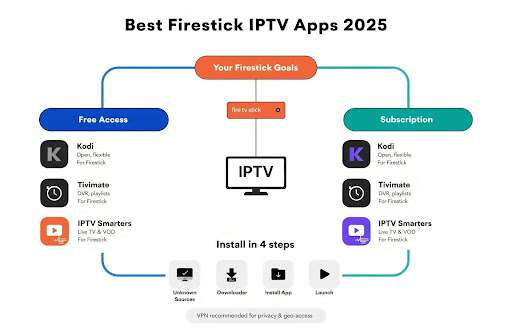
- Kodi for Firestick: A powerful, highly customizable media center that expands through third-party add-ons for live TV and on-demand content.
- Tivimate for Firestick: A polished player with a modern interface, DVR support, and strong playlist management for organizing channels.
- IPTV Smarters: Built to work with a wide range of IPTV subscriptions, offering live TV, VOD, and catch-up features in a simple package.
Each of these apps supports quality streaming and adapts to different viewing styles and technical setups.
How Do These Apps Support High-Quality Streaming and Channel Variety?
Top IPTV apps use efficient streaming protocols and often rely on reputable content sources to keep picture quality high. Kodi delivers flexibility through curated add-ons; Tivimate manages multiple playlists well, making it easy to combine local and international channels. Together, these features help reduce buffering and keep streams consistent.
User feedback repeatedly shows that steady playback and easy channel access are the top priorities, and the best apps aim to deliver both through optimized playback and clear interfaces.
Which IPTV Apps Offer Free Access vs. Subscription Models?
In 2026, some apps are free and rely on community add-ons, while others are designed to work with paid IPTV services. Kodi is free to install and extend with add-ons (quality varies), whereas IPTV Smarters and many commercial providers typically require a subscription for complete channel access.
Free options can be useful for casual viewing but may lack reliability or premium channels. Paid services usually offer broader lineups, better streaming quality, and customer support. Match your choice to how much live TV or sports you need.
How to Install IPTV Apps on Your Amazon Firestick Device?
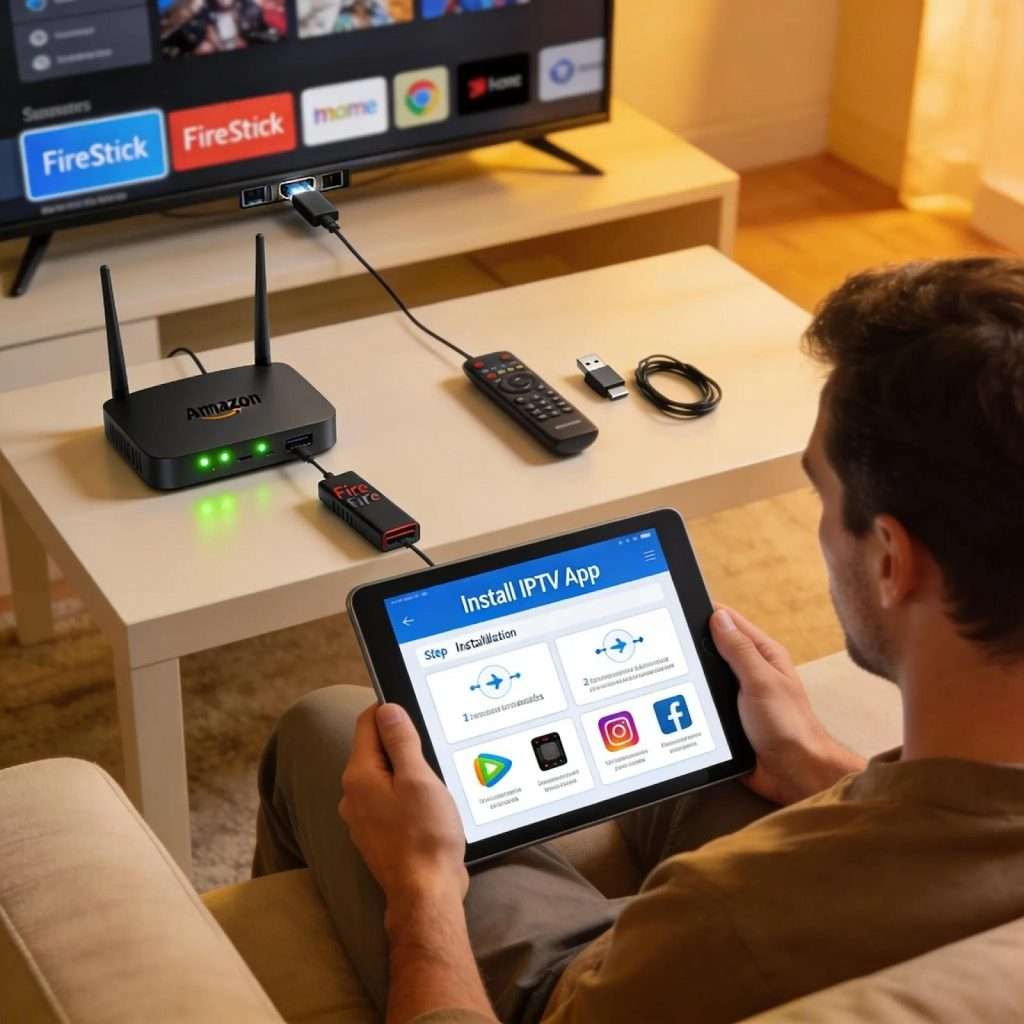
Installing IPTV apps on Firestick is straightforward if you follow a few setup steps. Below are the standard steps used for most third-party IPTV players.
What Are the Step-by-Step Installation Procedures for Popular IPTV Apps?
- Enable Apps from Unknown Sources: Navigate to Settings > My Fire TV > Developer Options. Turn on “Apps from Unknown Sources”.
- Install Downloader App: Go to Apps and search for “Downloader”. Download and install it.
- Download the IPTV App: Open Downloader and enter the app’s APK URL (for Kodi, Tivimate, etc.). Download and install the APK.
- Launch the App: After installation, open the app from the Home screen and configure your playlists or subscription details.
Following these steps will get most IPTV apps up and running on your Firestick safely and reliably.
How Can Users Troubleshoot Common Firestick IPTV Installation Issues?
Problems can happen, but many are easy to fix. Try these quick troubleshooting steps:
- App Won’t Install: Verify “Apps from Unknown Sources” is enabled and that the APK URL is correct.
- Buffering Issues: Test your internet speed, switch to a wired connection if possible, or lower playback quality.
- No Channels Found: Confirm your playlist or subscription details and refresh or re-add the source.
Those fixes resolve most common issues so you can get back to watching without drama.
Which IPTV Apps Deliver the Best Streaming Performance on Firestick?
Streaming performance depends on app optimization, your internet connection, and the quality of the IPTV source. Look for apps that handle high-resolution streams smoothly and manage bandwidth efficiently.
How Do IPTV Apps Compare in Streaming Quality and User Experience?
Quality varies. Tivimate is often recommended for stable, high-resolution playback and organized channel lists. Kodi excels at customization through add-ons, and IPTV Smarters focuses on clean navigation and compatibility with many services. Users who prioritize 4K and steady streams should pick apps and providers known for consistent bitrate and minimal downtime.
In short: pick the app that matches your priorities, stability and simplicity, or deep customization.
What Role Does VPN Compatibility Play in Enhancing IPTV Streaming?
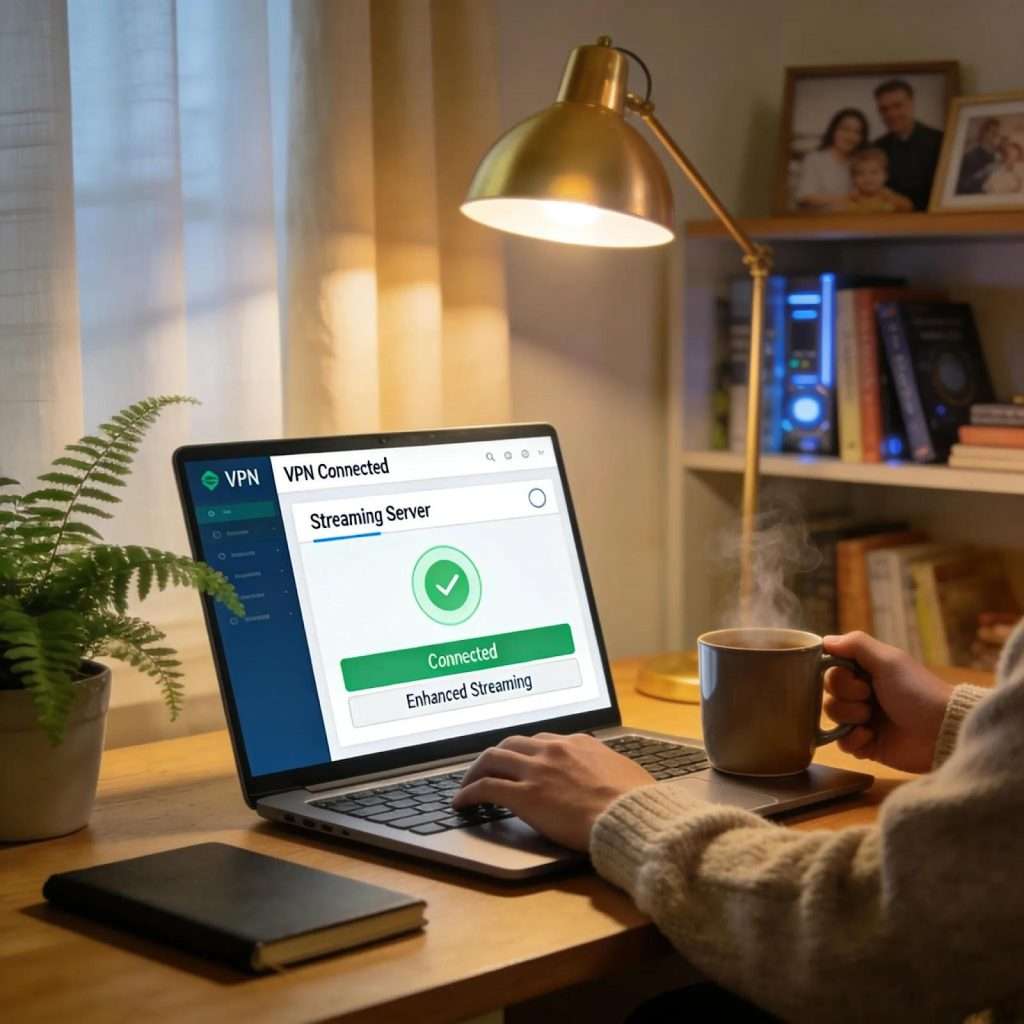
A VPN can help with privacy and geo-restricted channels, and in some cases it improves routing to reduce congestion during peak times. Many IPTV apps work fine with VPNs, but performance depends on the VPN provider and server choice. Use a fast, trustworthy VPN if privacy or regional access is a concern.
Remember: a VPN isn’t a cure-all, choose one with good speed and a policy you trust.
What Are the Legal and Privacy Considerations When Using IPTV Apps on Firestick?
IPTV can be legal or illegal depending on the content source. The apps themselves are tools; the legality depends on whether the streams you access are licensed. Verify your provider’s licensing and terms to stay on the right side of the law.
Are IPTV Apps Legal to Use on Amazon Firestick in 2026?
The legality depends on the content you stream. Many apps are legitimate platforms, but unlicensed streams are illegal in many regions. Check your provider’s credentials and local regulations before using paid or free IPTV services.
How Can Users Protect Their Privacy While Streaming IPTV Content?
Protect your privacy with these practices:
- Use a VPN: Encrypts traffic and limits ISP visibility.
- Review App Privacy Settings: Turn off unnecessary sharing and check permissions.
- Avoid Sharing Personal Info: Use minimal personal details when signing up for services.
These steps reduce exposure and help keep your streaming private and secure.
Which IPTV Apps Offer the Best User Interface and Features for Firestick Users?
A clean, responsive interface makes finding content faster and more enjoyable. Look for apps with clear navigation, search, and channel organization.
What Key Features Improve IPTV App Usability on Firestick Devices?
Useful features include:
- Customizable Interface: Lets you arrange channels and menus the way you like.
- Integrated Search: Quickly find shows, channels, or on-demand content.
- DVR Functions: Record and play back live TV when you need to.
Tivimate and similar apps often lead here, thanks to tidy layouts and simple controls that work well with a Firestick remote.
How Do Reviewed Apps Support Content Management and Channel Organization?
Good apps let you group channels, create favorite lists, and manage multiple playlists. Tivimate excels at grouping and favorites; Kodi lets you tailor everything via add-ons. These tools help you structure channels so you spend less time searching and more time watching.
Frequently Asked Questions
1. What should I consider when choosing an IPTV app for my Firestick?
Think about stream quality, channel lineup, ease of use, and cost. Check user reviews, VPN compatibility, and whether the app supports the channels you want. Choose the app that matches how you watch TV.
2. Can I use free IPTV apps safely on my Firestick?
Yes, but be cautious. Stick to well-known sources, read user feedback, and consider a VPN for privacy. Free apps may offer limited channels or inconsistent quality compared with paid services.
3. How can I improve buffering issues when streaming through IPTV apps?
Test your internet speed, try a wired connection, clear the app cache, and lower stream quality if needed. Position your router for better signal or consider a faster plan if buffering persists.
4. Are there IPTV apps that support live sports streaming?
Yes, many IPTV services carry sports channels. Apps like IPTV Smarters and Tivimate can present those channels if your subscription includes them. Regional restrictions may apply, so a VPN can help when legal to use.
5. Can I customize my channel lineup on IPTV apps?
Most apps let you customize lineups. Tivimate offers grouping, favorites, and playlist management; Kodi provides extensive add-on options for tailoring content to your tastes.
6. What should I do if an IPTV app is not functioning properly on Firestick?
Restart the Firestick and the app, check your connection, clear the app cache, or reinstall the app. Verify your playlist or subscription is active and keep the Firestick software up to date.
7. Is it safe to use third-party add-ons with IPTV apps?
Third-party add-ons can be risky if they come from untrusted sources. Research add-ons, read community feedback, and use a VPN to protect your identity when testing new add-ons.
Upgrade Your Firestick Streaming Experience with Xtreme HD IPTV
Choosing the right IPTV app is only part of the equation, the quality of your IPTV service matters just as much. With Xtreme HD IPTV, you get access to 13,000+ live TV channels, a massive VOD library, high-quality streaming, and compatibility with popular Firestick IPTV apps like IPTV Smarters, Tivimate, and more.
Whether you enjoy live sports, movies, international channels, or on-demand entertainment, Xtreme HD IPTV delivers a seamless viewing experience across all your favorite devices. Sign up today and discover a faster, more reliable alternative to traditional cable and satellite TV.

In the digital age, the way we consume television and media has undergone a significant transformation, and Internet Protocol Television Read more

The landscape of the streaming industry has changed dramatically in recent years, with several players vying for dominance. Typhoon IPTV Read more

How to jailbreak a Chromebook? Chromebooks have gained popularity as lightweight, efficient, and affordable devices that provide seamless integration with Read more

Kemo IPTV is a popular IPTV service provider that delivers television programs and other video content to your device. The Read more