
Cryptocurrency has emerged as a widely accepted form of payment for various goods and services, including IPTV subscriptions. While traditional payment methods like credit cards and PayPal are still prevalent, many IPTV providers also accept cryptocurrencies. This guide will show you how to buy crypto with PayPal and use it to purchase IPTV services.
We’ll help you get a cryptocurrency wallet if you don’t have one yet. Get ready to embark on a journey where the world of digital finance and premium entertainment converge, opening up a realm of endless possibilities right at your fingertips.
The Advantages of Purchasing IPTV with Crypto via PayPal
Buying crypto with PayPal and using it to purchase IPTV offers several benefits over traditional payment methods:
- Anonymity: Cryptocurrency transactions are pseudonymous, meaning your personal information is not attached to the transaction, providing an extra layer of privacy.
- Lower Fees: Cryptocurrencies generally have lower transaction fees compared to credit cards or PayPal, making them a cost-effective payment option.
- Global Accessibility: Cryptocurrency is a borderless form of payment, enabling you to purchase IPTV services from anywhere in the world without worrying about currency exchange rates or international transaction fees.
- Faster Transactions: Cryptocurrency transactions are typically processed much faster than traditional payment methods, ensuring you can access your IPTV service promptly.
Let’s jump into setting up a trusted wallet
Step 1: Acquire Cryptocurrency

Before you can pay for Xtreme HD IPTV with cryptocurrency, you’ll need to acquire some digital currency. The most popular cryptocurrencies accepted by IPTV providers include Bitcoin (BTC), Ethereum (ETH), and Litecoin (LTC). You can buy crypto vouchers with PayPal through various online exchanges or peer-to-peer platforms.
Step 2: Set Up a Cryptocurrency Wallet

A digital storage solution allows you to store, send, and receive cryptocurrencies securely. There are various types of wallets available, including desktop, mobile, and web-based options. Choose a reputable wallet provider and follow their instructions to set up your wallet.
Step 3: Purchase Cryptocurrency via Credit Cards, Cash App, or PayPal
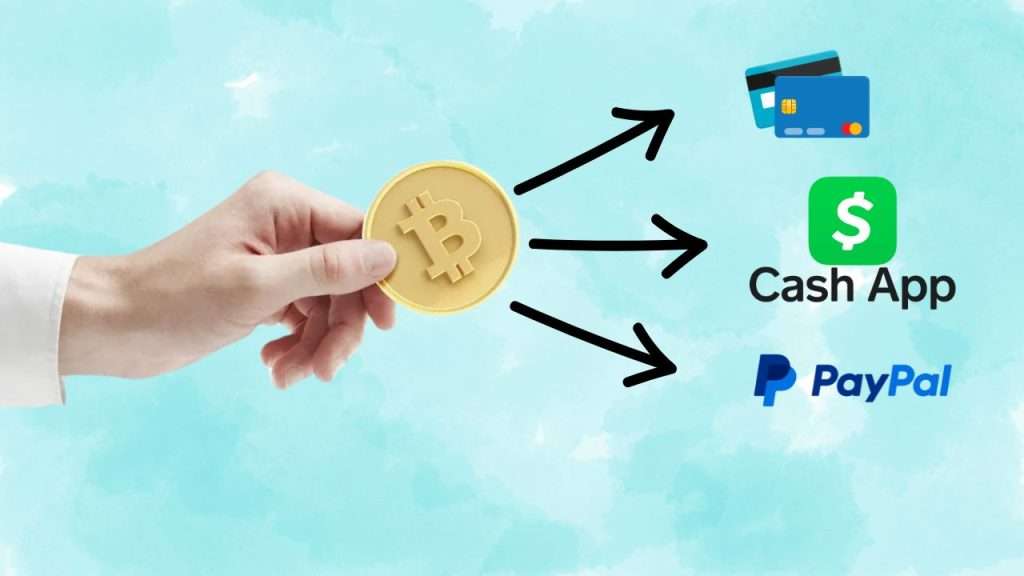
Many cryptocurrency exchanges and platforms allow you to buy crypto with PayPal, credit cards, or the Cash App. The process typically involves verifying your identity, linking your payment method, and placing an order for the desired cryptocurrency.
Step 4: Transfer Cryptocurrency to Your IPTV Provider

Once you have acquired the necessary cryptocurrency, visit Xtreme HD IPTV’s website. Then, you’ll need to transfer it to Xtreme HD IPTV’s wallet address. Xtreme HD IPTV will provide you with their wallet address or a QR code that you can scan to initiate the transfer.
Step 5: Complete the IPTV Subscription Purchase

After transferring the cryptocurrency, you’ll need to provide Xtreme HD IPTV with the transaction details, such as the transaction ID or hash. Once the provider verifies the payment, your IPTV subscription should be activated, and you can start enjoying your favorite content.
Buying crypto with PayPal and using it to purchase IPTV services offers a convenient and secure way to access your favorite content while enjoying the benefits of anonymity, lower fees, and global accessibility. Through the step-by-step guide outlined in this article, you can easily navigate the process of buying crypto with PayPal and enjoy the advantages of using cryptocurrency as a payment method for your IPTV subscription.