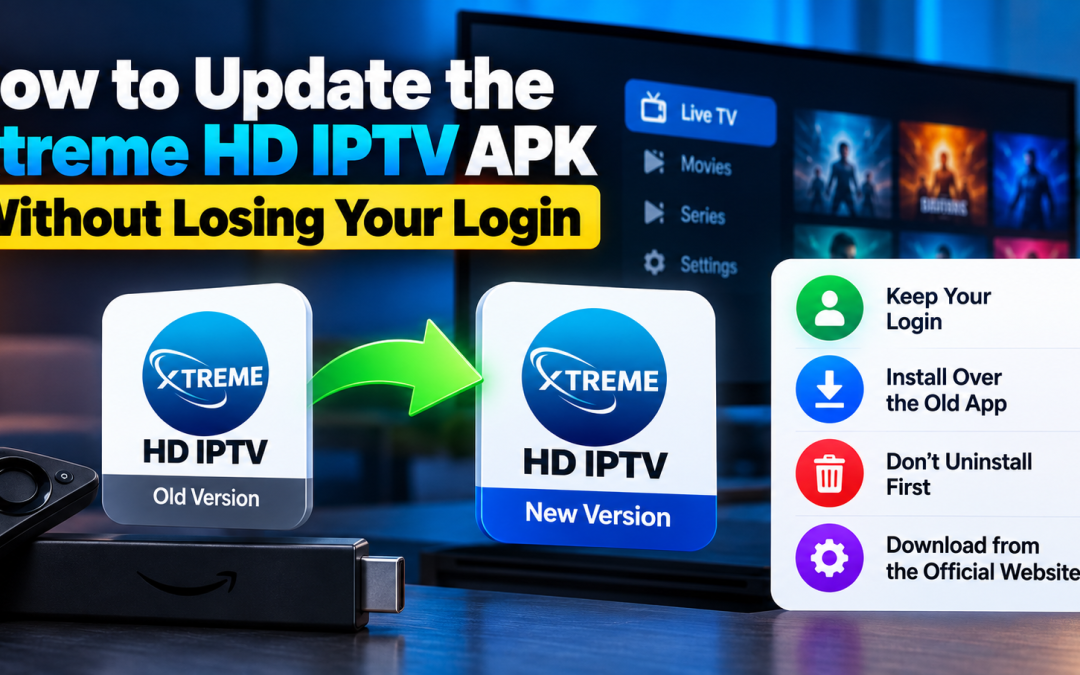
How to Update the Xtreme HD IPTV APK Without Losing Your Login
Quick Answer Install the new version over the old one instead of uninstalling first, and save your username, password, and portal URL before you start. Updating over the top normally keeps the app’s stored data. Uninstalling, clearing app data, or resetting the device...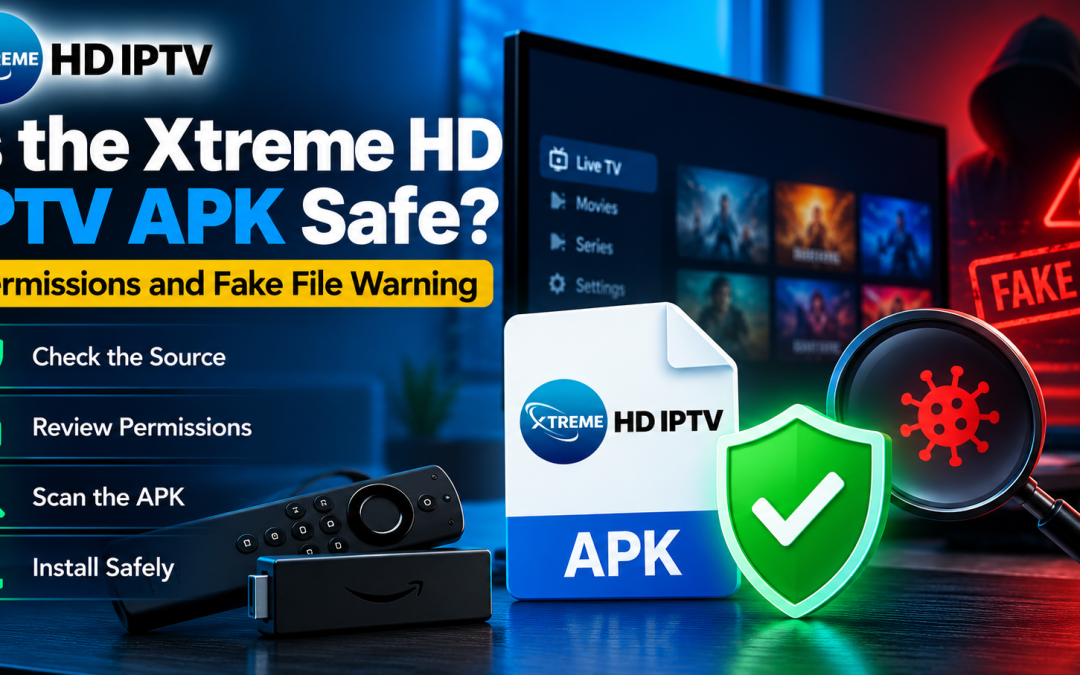
Is the Xtreme HD IPTV APK Safe? Permissions and Fake File Warning
Quick Answer No APK is safe or unsafe by its name. Safety depends on whether the file is the untouched original and what it asks to control on your device. An APK of Xtreme HD IPTV that comes from the official website, matches its published details and asks only for...
Xtreme HD IPTV Alternatives: 7 Services Worth Comparing in 2026
Quick Answer The best alternatives to Xtreme HD IPTV depend on what you watch. YouTube TV and Hulu + Live TV suit people who want a full cable replacement, Fubo is built around sports, Sling TV is the flexible budget option, Philo focuses on entertainment, DirecTV...
Xtreme HD IPTV Login: How to Sign In, Fix Errors and Keep Your Account Secure in the US
Quick Answer Your Xtreme HD IPTV login details are sent after you subscribe. You enter them in a compatible IPTV player on your device, such as Firestick, Android TV, a smartphone or a Smart TV. If sign in fails, the cause is usually a mistyped credential, an expired...