
What Is Xtreme HD IPTV?
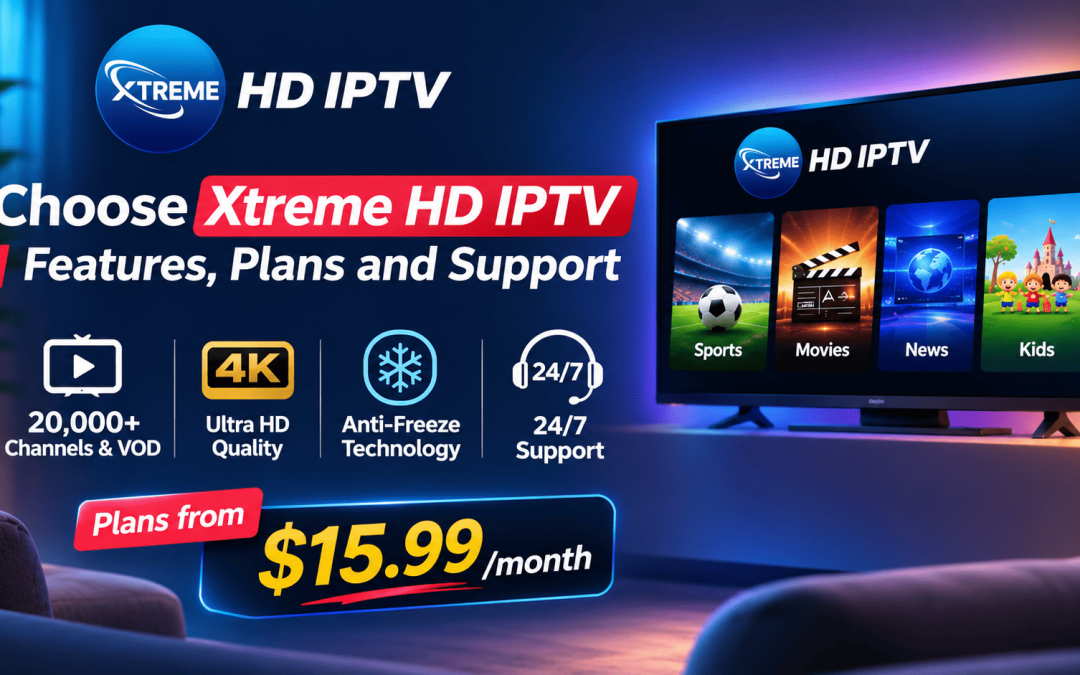
Xtreme HD IPTV is a subscription streaming service that delivers live TV and on-demand content over the internet instead of cable or satellite. According to the provider, the library includes more than 20,000 channels and VOD titles from over 100 countries, covering sports, news, movies, entertainment and international programming. You watch through an app or player on your own device.
1. A Large Channel and VOD Library
The main reason people choose Xtreme HD IPTV is variety. A household can find live sports, news, kids’ shows, movies and international channels in one place instead of paying for several separate subscriptions. That helps families with different tastes and viewers who want channels from their home country.
Lineups can change, so check the current channel list for the channels you care about before subscribing.
2. 4K Ultra HD Quality
Xtreme HD IPTV advertises 4K Ultra HD streaming. Picture quality depends on your connection and screen as much as on the provider. As a rough guide, plan for about 5 Mbps per SD stream, 15 Mbps per HD stream and 25 Mbps per 4K stream. If two screens stream in 4K at once, you need around 50 Mbps available, plus extra for other devices. Our 4K bandwidth and device guide covers this in detail.
3. Anti-Freeze Technology
Buffering is the most common IPTV complaint. Xtreme HD IPTV lists anti-freeze technology as a core feature, designed to keep streams steady during busy periods like major matches. No provider can remove buffering completely, because your router, Wi-Fi and device also matter. Use an ethernet cable for your main TV box where possible, and test the service at peak times, such as weekend evenings, before committing to a long plan.
4. Flexible Plans for Different Households
Plans are sold by the number of devices that can stream at the same time. These are the 1-month prices from the plan page:
| Plan | Simultaneous devices | 1-month price | Approx. cost per screen |
| One Device | 1 | $15.99 | $15.99 |
| Two Devices | 2 | $26.98 | $13.49 |
| Four Devices | 4 | $56.98 | $14.25 |
| Five Devices | 5 | $66.98 | $13.40 |
For most couples, the Two Devices plan is the best balance. Large households get the lowest cost per screen on the Five Devices plan. Count how many screens you use at the same time, not how many devices you own. A phone and a tablet that are rarely on together may only need one slot.
Billing terms run from 1 month to 3 months, 6 months, 1 year and lifetime. Prices can change, so confirm them on the plans and pricing page before you pay.
5. Works on Popular Devices
Xtreme HD IPTV is designed for common devices such as Amazon Firestick, Android TV boxes, smart TVs, phones and tablets. Follow the Firestick setup guide or the iOS setup guide to get started. Download apps only from the provider’s official site, and read our APK safety guide before installing anything.
6. 24/7 Support
Support is where cheap services usually fall short. Xtreme HD IPTV lists 24/7 support, and the contact form on the site lets you ask questions before you buy. A simple test is to send a real question, such as which devices work with your plan, and see how quickly and clearly they reply. Keep those messages as a record.
7. Check the Trial and Refund Terms Before You Pay
Whatever service you choose, find out before paying whether a trial or refund is offered, how long it lasts and how to request it. Ask support directly and keep the answer in writing. Then test the service on your own device and connection, during busy hours, before moving to a longer plan.
8. An Official Site in a Market Full of Clones
Many IPTV brands have copycat sites. Xtreme HD IPTV’s own site warns that other sites using its name are fake. Before paying anyone, confirm you are on the official domain, check the contact details, and avoid payment methods that can’t be reversed. Our guide to spotting real and fake IPTV websites shows what to look for.
Who Is Xtreme HD IPTV Best For?
- Sports fans who want many live channels in one place
- Families who need several screens at once
- International viewers who want channels from different countries
- Cord-cutters replacing a cable bill
It may not suit you if you only need one or two streaming apps, or if your internet is slower than about 15 Mbps.
Before You Subscribe: Quick Checklist
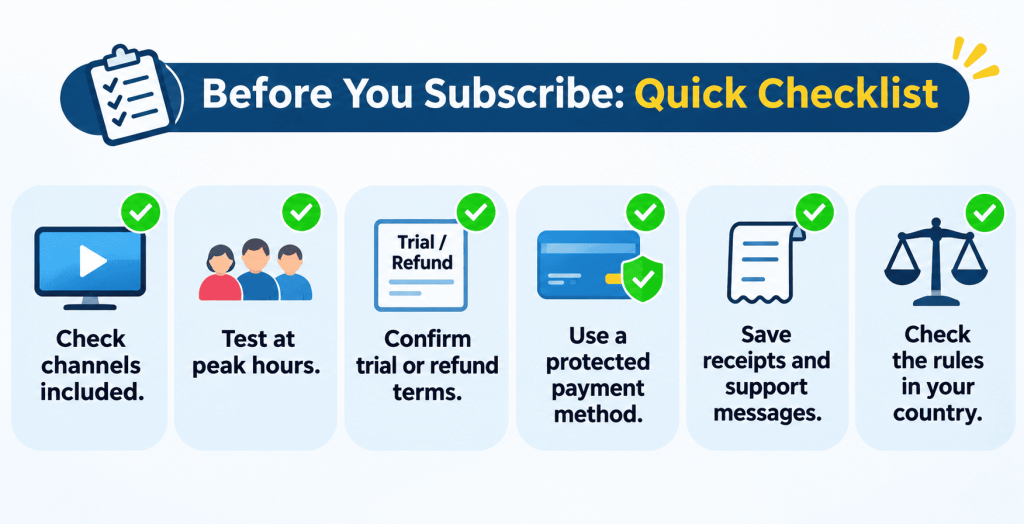
- Confirm the channels you want are included.
- Test during peak hours.
- Get the refund or trial terms in writing.
- Pay with a method that offers buyer protection.
- Save your receipts and support messages.
- Check the rules in your country, since streaming and licensing laws vary.
Final Thoughts
People choose Xtreme HD IPTV for its large library, 4K quality, device-based plans and 24/7 support. The right choice depends on how many screens you use at once and how stable your internet is. Start with a short term, test it properly, and move to a longer plan only when you’re happy with the results.
Xtreme HD IPTV FAQs
How much does Xtreme HD IPTV cost?
Plans start at $15.99 per month for one device, $26.98 for two, $56.98 for four and $66.98 for five. Longer terms are also available.
What billing terms are available?
1 month, 3 months, 6 months, 1 year and lifetime.
What does the lifetime plan include?
Before buying, ask support exactly what “lifetime” covers, including device limits and what happens if the service changes, and keep the answer in writing.
Is there a free trial or refund?
Check the current terms on the site or ask support before paying, and keep the answer in writing.
How do I pay?
The available payment options are shown at checkout. Choose a method that offers buyer protection and avoid payments that can’t be reversed.
How do I contact support?
Use the contact form on the site or email [email protected]. Support is listed as available 24/7.
Is the latest APK available?
See our APK update post, and download only from the official site.
What should I do if my stream buffers?
Use ethernet, restart your router, update the app, and test at a different time. See our buffering fix guide.
Is Xtreme HD IPTV down right now?
First restart your router and app, and test another service on the same device to see where the problem is. If other apps work, contact support. See our service status guide.
Setting up IPTV on your Firestick or Android device opens up a world of entertainment possibilities. By following a few Read more

The Xtreme HD IPTV Channel list offers one of the most extensive collections of live TV channels, premium sports, movies, Read more

The IPTV Reseller program is a great way for you to earn money by selling our services. We have partnered Read more

For many people, watching TV is the best way to relax and unwind after a long day. But now that Read more