
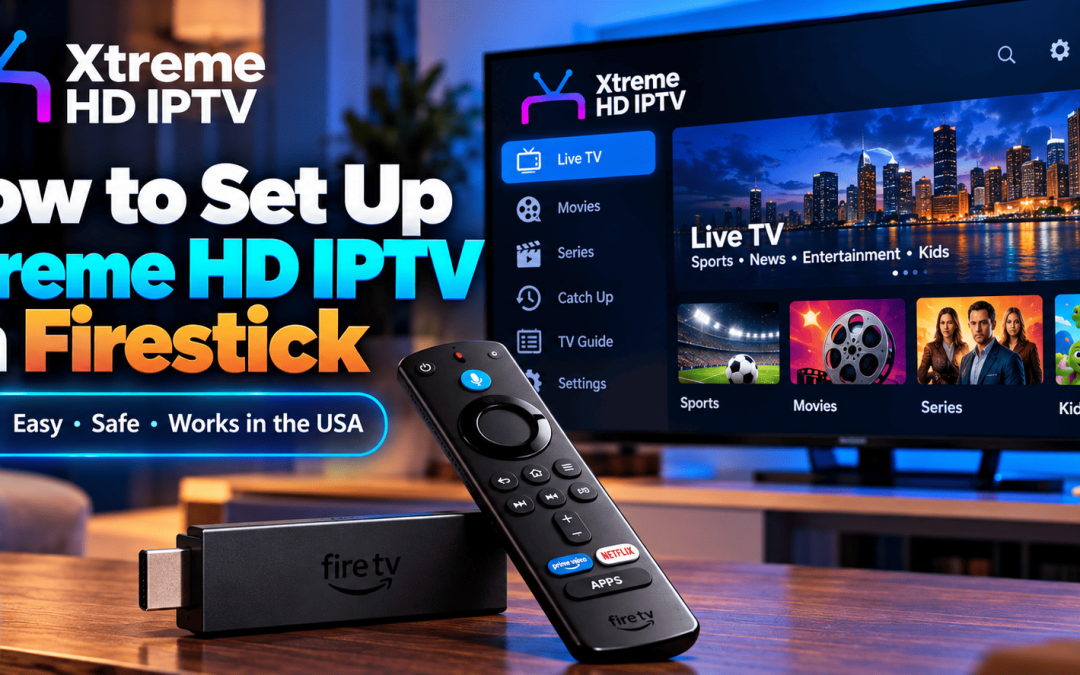
Xtreme HD IPTV works on a Fire TV Stick through a compatible IPTV player app. You install the player, sign in with the playlist or portal details you receive after subscribing, and load the guide. Most US households need at least 5 to 8 Mbps per HD stream and about 25 Mbps for 4K, based on FCC guidance. Setup usually takes under 15 minutes.
What Makes Xtreme HD IPTV Firestick IPTV Different
A lot of IPTV pages talk about “thousands of channels” and stop there. We would rather explain how the product actually behaves on your Fire TV Stick.
Xtreme HD IPTV is built as a media player experience. It plays M3U playlists, web URLs and local audio or video files, and it supports an electronic programme guide (EPG) so you are not scrolling through a flat list. On Firestick, that guide matters more than people expect. A remote with limited buttons makes a messy channel list tiring very quickly.
A few features our Firestick users notice first:
- A clean player layout that works well with the Fire TV remote
- EPG support for browsing what is on now and what is next
- Fast account activation after you subscribe
- Support for HD and, where your source and connection allow it, 4K playback
- The same account details can be used across other supported devices such as Android TV, smartphones and Windows
Our Firestick users across the United States, including the Miami and Aventura area where our team is based, often tell us the same thing: they want something that is simple to set up and does not need a technical background.
What You Need Before You Start
Gather these first. It saves you from stopping halfway through.
- A Fire TV Stick or Fire TV device connected to your TV
- A stable home internet connection
- Your Amazon account signed in on the device
- Your playlist or portal details from your Xtreme HD IPTV subscription
- A few minutes with your remote and the on screen keyboard
Which Firestick Models Work Best
Newer Fire TV Stick models handle IPTV players more smoothly because they have more memory and faster processors. Older sticks can still work, but menus may feel slower and 4K streams may struggle. If your stick is several years old and you notice lag, a model upgrade often helps more than any setting change.
How to Set Up Xtreme HD IPTV on Firestick in Five Steps
Our own Firestick setup guide walks through the same process in more detail. Here is the short version.
- Open your Firestick settings. Go to My Fire TV, then Developer Options, and allow app installs from the source you plan to use. Turn this off again when you finish.
- Install the player. Use the official Xtreme HD IPTV app download page and follow the steps listed for Firestick. Stick to the official source so you avoid fake copies.
- Launch the app and choose your login method. This is where you pick playlist or portal entry.
- Enter your details carefully. Type your credentials exactly as sent. A single wrong character is the most common reason a new setup fails.
- Load the guide and test a channel. Give the EPG a minute to populate, then open a channel to confirm playback.
Entering Your Playlist or Portal Details Without Errors
The Fire TV on screen keyboard is slow, so small mistakes happen. Two habits help. Copy your details into a notes app on your phone first so you can read them clearly while typing, and double check capital letters, because many credentials are case sensitive. If the app rejects your login, do not keep retyping. Contact support instead.
What Internet Speed Does Firestick IPTV Need in the US
Speed is where many first time users get caught out. The FCC Broadband Speed Guide lists about 5 to 8 Mbps for streaming HD video and about 25 Mbps for Ultra HD 4K, with the note that these figures assume one activity at a time.
That last part is important. If someone else in the house is gaming, video calling or watching another stream, your Firestick shares the same connection. A home with three or four active screens needs far more than the single stream numbers.
| Viewing situation | Practical target |
| One HD stream, light household use | Comfortable above the FCC HD range |
| One 4K stream | At least 25 Mbps, with extra room |
| Several screens running at once | Add each stream together, then add headroom |
Our 4K IPTV playback and bandwidth guide explains how bitrate, resolution and device power affect what you see on screen.
Tips for Smoother Firestick IPTV Playback
Buffering is rarely caused by one thing. It is usually a mix of WiFi, device load and timing.
Connect Your Firestick Properly
- Place your router within clear line of sight of the TV where you can
- Use the 5 GHz band if your router offers it
- Consider an Ethernet adapter for Fire TV if your WiFi is unreliable
- Restart the stick and router together once a week
Keep the Device Light
A Firestick with too many apps and cached files will slow down. Clear the cache of your IPTV player now and then, and remove apps you no longer use. This single habit fixes more “lag” complaints than people expect.
Use the EPG Properly
Let the guide finish loading before you start browsing. Marking favourite channels also cuts down remote scrolling, which makes the whole Xtreme HD IPTV Firestick IPTV experience feel faster. If a guide looks empty or out of date, our EPG guide covers how channel data is matched.
If something still misbehaves, the playback fixes article lists the usual causes in order of how often we see them.
Using Firestick IPTV Legally and Safely in the United States
This part deserves honesty. IPTV as a technology is legal. What matters is the content you watch through it. We state clearly on our website that Xtreme HD IPTV does not endorse streaming copyright protected material without permission from the rights holder, and that users should supply their own content sources.
A few practical rules for US viewers:
- Only stream content you have the right to access
- Download apps from official or clearly identified sources
- Use strong, unique passwords and avoid sharing your login publicly
- Be careful with sites that copy our name. We are the official Xtreme HD IPTV player, and lookalike sites are a real risk
Our data retention and privacy guide explains how account details should be handled.
Choosing a Plan That Fits Your Household
Plans on our pricing page run from one month up to lifetime options, so you can start short and move to a longer plan once you are happy. Before you pay, our IPTV plan checklist covers the questions worth asking any provider, including ours: device limits, support hours, activation time and what happens if something stops working.
If you are new to the platform, look for the free application trial offer shown on our homepage while it is available. Testing on your own Fire TV Stick and your own internet connection tells you more than any review can.
For those comparing apps before choosing a player, our roundup of the best Firestick IPTV apps gives a fair side by side view.
Final Thoughts and Next Step
Getting Xtreme HD IPTV running on a Firestick is a short job when you prepare first: a supported stick, a solid connection, correct login details and a player from the official source. After that, speed, placement and a tidy device do most of the work.
If you would like help at any point, our team is happy to guide you through setup or troubleshoot a stubborn issue. Contact us or head to our installation guide to get started today.
FAQ’s
No, a VPN is not required for the player to work. Some people use one for extra privacy on public or shared networks. A VPN can also reduce speed, so test playback with and without it.
Your plan speed is not always the speed your Firestick receives. Weak WiFi, a crowded router and other devices on the network are common reasons. Try Ethernet or the 5 GHz band first.
Xtreme HD IPTV works across several supported devices, but simultaneous use depends on the number of connections in your plan. Check your plan details or ask for support before adding screens.
Downloader is a widely used tool for installing apps on Fire TV. The risk comes from the files you load with it, so use only official links, such as the app page on our website.
Our homepage mentions a free application trial offer while it is running. Availability can change, so confirm the current details with our support team first.

Have you ever used a Bitcoin so far? If not then don’t worry, we have a solution for you to Read more

Internet-based television has transformed how users access live channels, movies, and on-demand content. Among the many IPTV services available today, Read more

The Xtreme HD IPTV Channel list offers one of the most extensive collections of live TV channels, premium sports, movies, Read more

Staying current in the ever-evolving realm of television and entertainment is vital. Gone are the days when only limited options Read more