
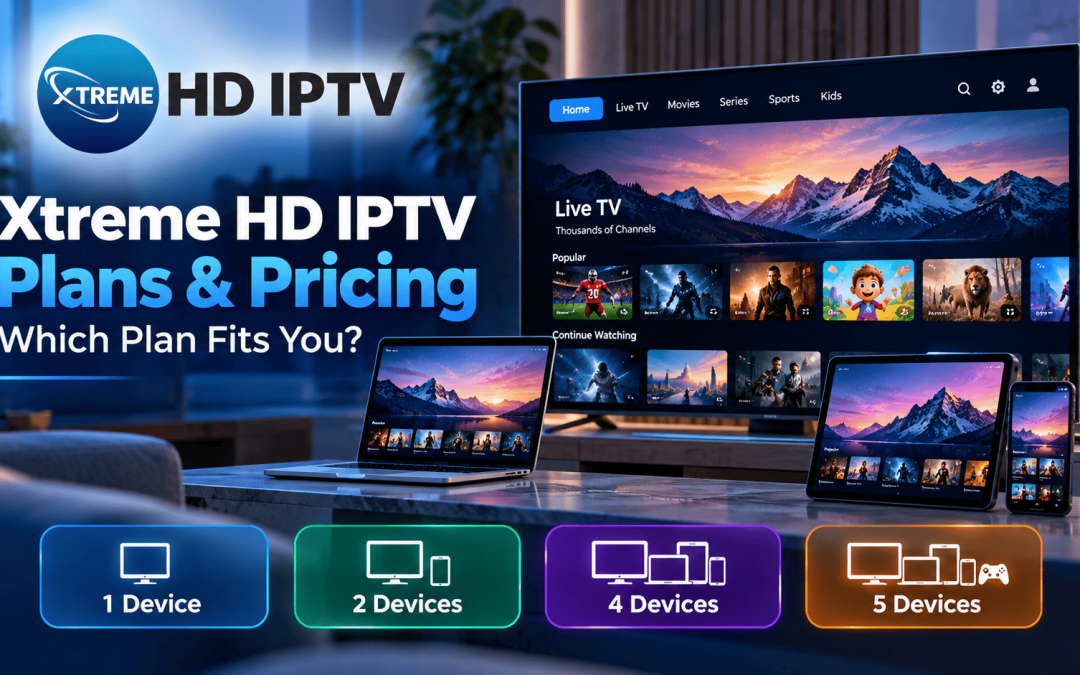
Xtreme HD IPTV offers four subscription plans, from one device to five, with billing terms from one month to lifetime. This guide explains the Xtreme HD IPTV pricing, shows what each plan really costs per screen, and helps you pick the one that fits your household.
Choosing a streaming plan gets easier when you know exactly what you’re comparing. Xtreme HD IPTV sells plans by the number of devices that can stream at the same time, and each plan can be bought for different billing terms. Below you’ll find the current prices, how to choose a plan, and what to check before you pay.
Xtreme HD IPTV Plans and Pricing
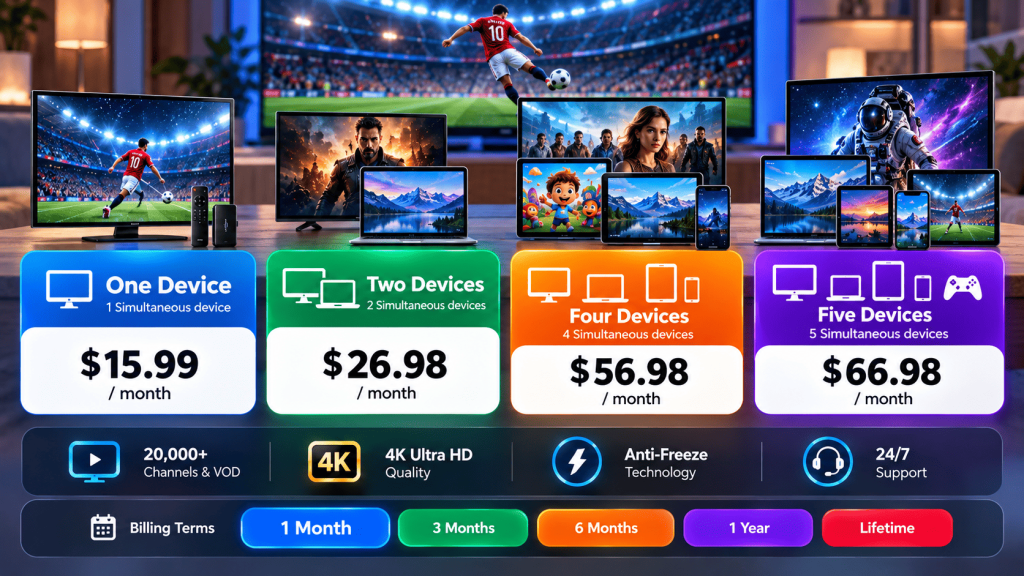
The plan page lists four tiers. The prices below are the 1-month prices shown on the site:
| Plan | Simultaneous devices | 1-month price |
| One Device | 1 | $15.99 |
| Two Devices | 2 | $26.98 |
| Four Devices | 4 | $56.98 |
| Five Devices | 5 | $66.98 |
You can switch the billing term between 1 month, 3 months, 6 months, 1 year, and lifetime. Longer terms change the cost, so check the plan page for the current price of each one. Prices can change at any time, so confirm them before you pay.
According to the plan page, every tier lists the same features: 20,000 channels and VOD, 4K Ultra HD quality, anti-freeze technology, and 24/7 support. These are the site’s own descriptions, so treat them as the provider’s claims and confirm the details with support before buying.
Which Xtreme HD IPTV Plan Fits You?
One Device ($15.99): This is the right fit if you watch on a single screen, such as one TV in the living room or a phone while commuting. If you never stream on two screens at once, don’t pay for more.
Two Devices ($26.98): Couples and two-TV homes get the best balance here. Two people can watch different things at the same time, and the per-screen cost drops noticeably.
Four Devices ($56.98): This suits families where adults and kids might stream together on TVs, tablets, and phones. It’s worth it only if you regularly use three or four screens at once.
Five Devices ($66.98): This works for larger households or accounts shared among relatives, and it has the lowest cost per screen of all the tiers.
A practical tip: count the most screens you’ve ever used at the same time, not the total number of devices you own. A phone, a tablet, and two TVs only matter if they’re all streaming at once. Many households find that the two-device plan covers their real usage.
Choosing a Billing Term
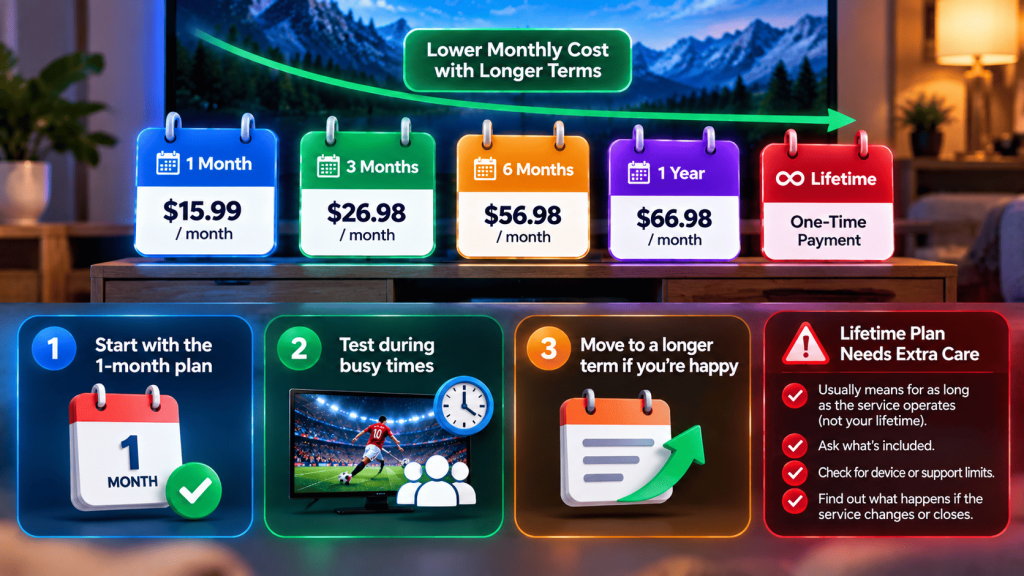
Longer terms usually lower the monthly cost but increase what you’ve paid upfront, and with it the money at risk if the service doesn’t suit you. A sensible approach:
- Start with the 1-month plan.
- Test it during busy times, such as weekend evenings or major sports events, because that’s when streaming problems show up.
- Move to a longer term only after you’re happy with the experience.
The lifetime option deserves extra caution. “Lifetime” generally means for as long as the service operates, not for your own lifetime. Before paying, ask support exactly what lifetime covers, whether there are device or support limits, and what happens if the service changes or closes.
What Internet Speed Do You Need for Xtreme HD IPTV?
Your plan only works as well as your connection. Rough guidelines per stream are about 5 Mbps for SD, 15 Mbps for HD, and 25 Mbps for 4K. Multiply by the number of screens in your plan, then leave headroom for everything else on your network. For example, a two-device plan with both screens in 4K should have around 50 Mbps available, plus extra for other people online.
Wired ethernet is more stable than Wi-Fi for TV boxes. If you must use Wi-Fi, choose the 5 GHz band and keep the router out in the open.
Compatible Devices and Setup
Your plan page and installation guide list the supported devices. Streaming plans like this are commonly used on Android TV boxes, Amazon Fire Stick, smart TVs, phones, and tablets. Before you pay, check that your specific device is on the supported list, and ask support how the setup works on it. If an app has to be installed outside an official app store, download it only from the provider’s own site, and scan the file before opening it.
Before You Pay: A Quick Checklist
- Confirm what’s included. Ask support to confirm channels, content, and quality in writing.
- Check the refund policy. Find the refund or trial terms and the time limit.
- Use payment protection. Pay with a method that offers buyer protection and avoid payments that can’t be reversed.
- Read independent feedback. Look at reviews on third-party platforms, not only the seller’s own pages.
- Keep your records. Save your plan details, receipts, and support messages.
- Check your local rules. Streaming and licensing rules vary by country, so check what applies where you live.
Tips for Getting the Best Experience
- Start with a short term and upgrade after testing.
- Use ethernet for your main TV box when possible.
- Keep your app and device software updated.
- Use a unique password for your account.
- Restart your router and device if streams start to stutter.
- If one channel misbehaves but others work, report that channel to support instead of changing your own setup.
Final Thoughts
The right Xtreme HD IPTV plan comes down to how many screens you use at once and how long you’re comfortable committing. Count your real simultaneous users, compare the cost per device, start with a short term, and test at busy times. Keep your payment protected and your records safe, and you’ll choose Xtreme HD IPTV with confidence rather than guesswork.
Xtreme HD IPTV FAQs
The 1-month prices listed on the plan page are $15.99 for one device, $26.98 for two, $56.98 for four, and $66.98 for five. Longer billing terms are available on the page.
Pick based on how many screens stream at the same time. For many households, the two-device plan is the best value per screen.
1 month, 3 months, 6 months, 1 year and lifetime.
The plan page lists 20,000 channels and VOD. Confirm exactly what’s included with support before you buy.
Check the current terms on the site or with support before paying, and keep the answer in writing.
About 15 Mbps per HD stream and 25 Mbps per 4K stream, plus headroom for other devices on your network.
Test another service on the same device, use ethernet, restart your router, and update the app before contacting support.

In the digital age, the way we consume television and media has undergone a significant transformation, and Internet Protocol Television Read more

The landscape of the streaming industry has changed dramatically in recent years, with several players vying for dominance. Typhoon IPTV Read more

How to jailbreak a Chromebook? Chromebooks have gained popularity as lightweight, efficient, and affordable devices that provide seamless integration with Read more

Kemo IPTV is a popular IPTV service provider that delivers television programs and other video content to your device. The Read more